// case_study / developer_tool
Web Faker Chrome Extension
A lightweight browser tool for developers, QA testers and designers who need realistic placeholder content directly inside web forms.
01 / the product
Fast test data where you need it.
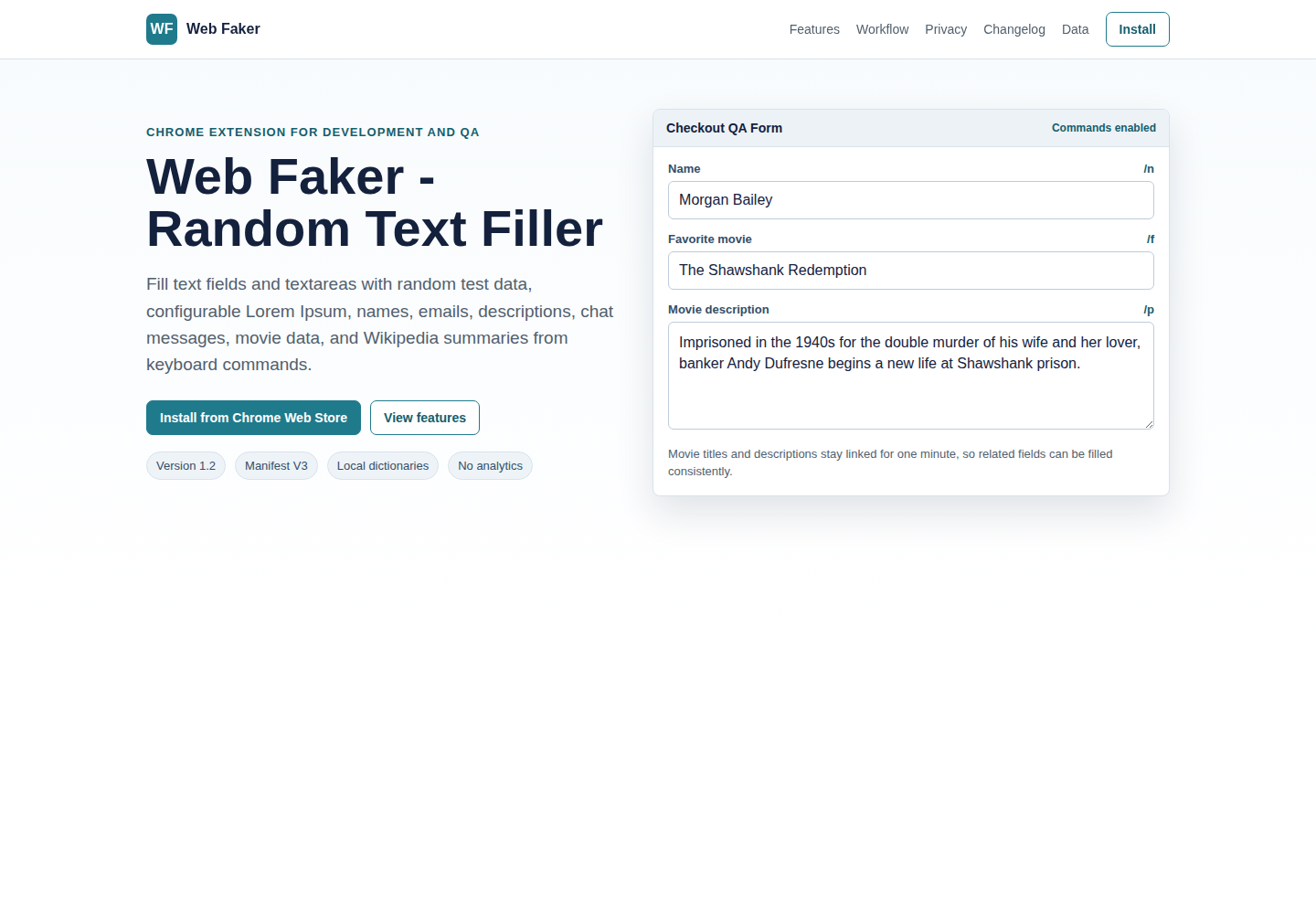
Web Faker fills the active input or textarea with plausible content using short keyboard commands. It is useful for registration forms, checkout flows, admin panels, CMS screens, landing pages, prototypes and UI states.
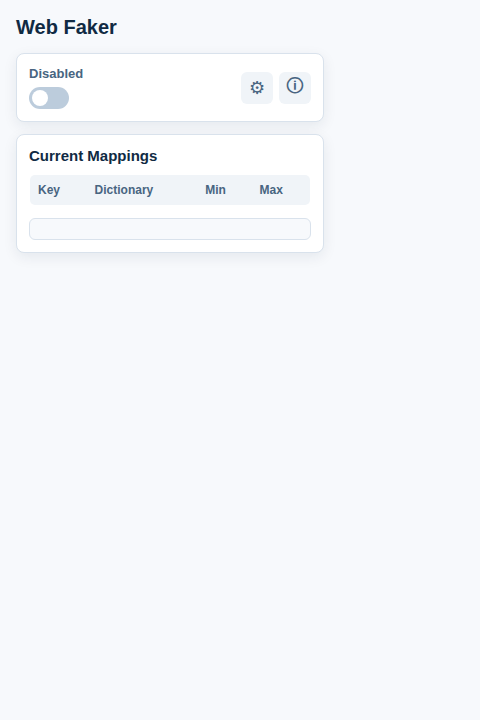
Default commands include names, emails, text snippets and Lorem Ipsum. The popup lets users configure mappings, command characters, double-key mode, text length ranges and selected websites.
02 / technology
A focused Manifest V3 extension.
- Chrome Manifest V3 with a popup, content script and background service worker.
- JavaScript and browser extension APIs for field detection, replacement and storage.
- Local dictionaries for names, emails, descriptions, chat messages, movies and Lorem Ipsum.
- Optional Wikipedia summaries fetched only when the Wikipedia dictionary is explicitly used.
- Chrome storage for settings and configurable website restrictions.
- MIT-licensed project with no remote server for form contents.
03 / interface
Simple controls, keyboard-first workflow.
04 / result
A small tool with daily utility.
Web Faker turns repetitive placeholder-data entry into a short, configurable keyboard action. The extension is distributed through Chrome Web Store and keeps its core workflow lightweight and local.